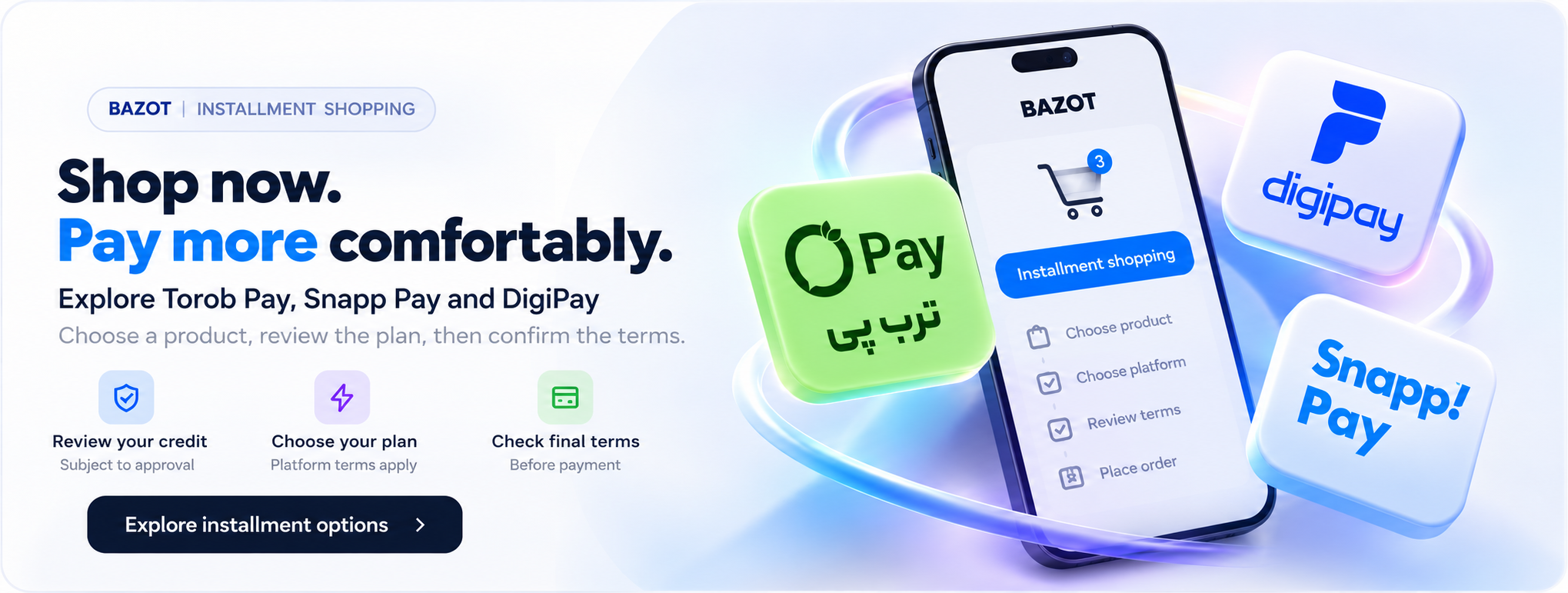
How does installment shopping work?
Installment shopping lets you pay for an item over several due dates under a credit plan rather than all at once. At Bazot, review your chosen product and then, if the relevant payment method is active at checkout, choose your preferred option. Credit approval, the number of payments, any down payment and fees depend on your account and the selected service’s rules.
From choosing to delivery
1
Choose a product and review its specifications
Visit the Bazot store and compare brand, dimensions, color, energy use, warranty and features. Check the displayed price, availability and any shipping cost, then add the item to your cart to see the final amount.
2
Check installment methods at checkout
Choose only the services actually available for that order. Options may vary by order value, product or merchant settings. A platform’s name on this guide does not guarantee its gateway is active in the store.
3
Identity checks and credit assessment
The selected platform may ask you to sign in, verify your identity or check your credit limit. Use only the service’s official page or app. Submitting an application does not guarantee credit approval.
4
Review repayment amounts carefully
Before confirming, read the down payment, number of installments, due dates, total repayment and possible fees. A short interest-free plan may total the purchase price; some bank loans include interest and other charges.
5
Pay and place your order
After choosing a plan and accepting its terms, complete payment on the service’s secure page. Return to Bazot and verify the successful order and reference. If the return fails, check transaction status before paying again.
6
Track delivery and repayments
Check preparation and delivery in your account or with Bazot support. Visit the platform’s own account area for remaining installments, due dates and payments. Keep receipts and set reminders to help manage repayments.
Comparing Torob Pay, Snapp Pay and DigiPay
Torob Pay and Snapp Pay have described common four-payment interest-free credit plans. Always check the exact terms on the transaction’s confirmation page. DigiPay also offers some separate loan plans with different rates and repayment periods. Compare the plans actually available to the individual buyer rather than assuming one shared rate.
Before confirming your purchaseCheck the total, number of payments, due dates, early payment and late payment terms, extra fees, returns and support. The calculator is an estimate and does not replace the service’s final agreement.